
Are Home Security Robots Worth It?
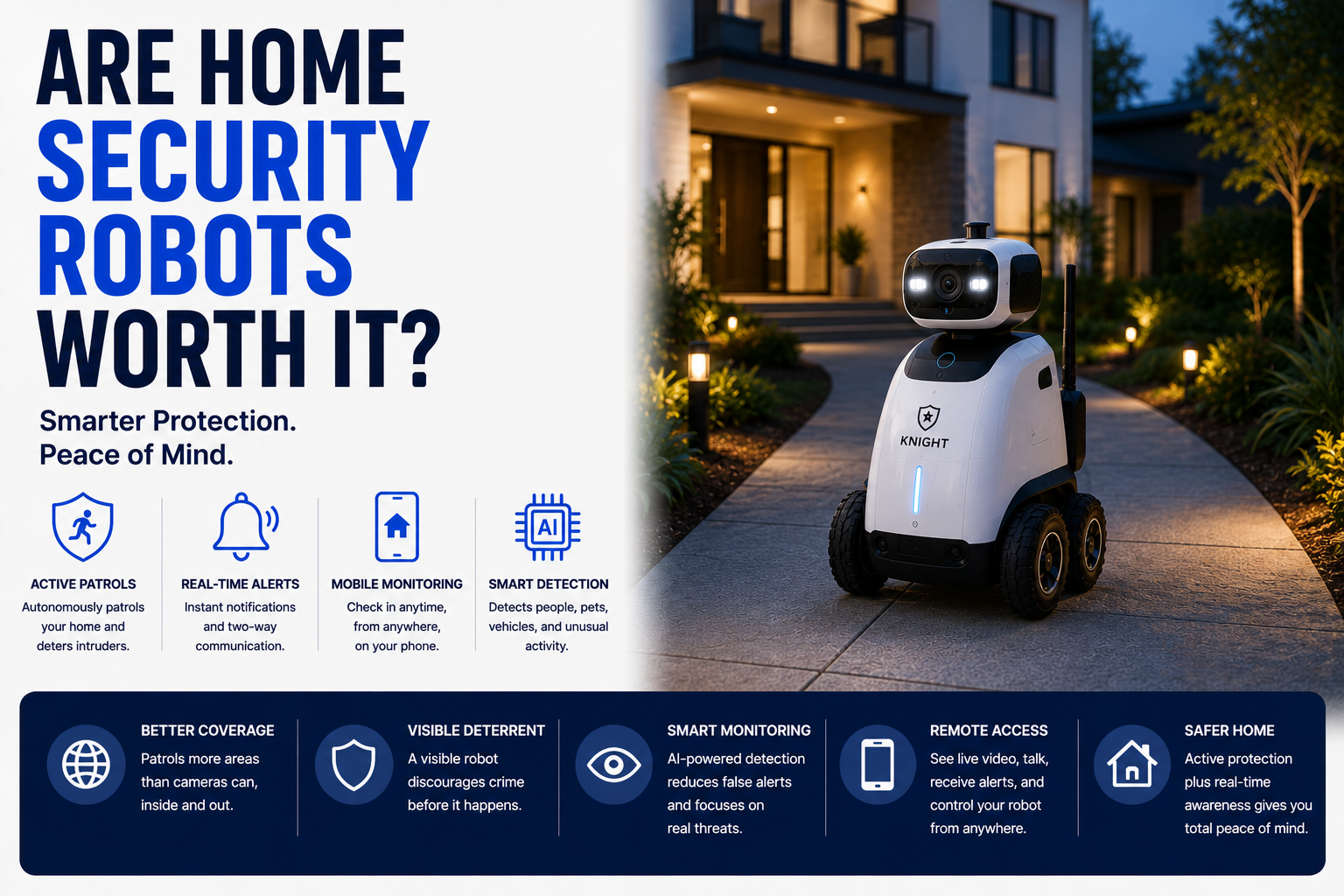
Discover whether home security robots are worth buying. Compare costs, smart monitoring features, AI capabilities, and security benefits. This guide compares the main options, practical benefits, limitations, maintenance, privacy, and long-term value.
As an Amazon Associate, HomeBotGuide may earn from qualifying purchases at no extra cost to you.
Home security robots are worth it for households that value mobile monitoring, pet check-ins, remote room inspection, or telepresence. They are not the best first security purchase. Fixed cameras, sensors, locks, alarms, and professional monitoring usually deliver more reliable protection per dollar.
Are Home Security Robots Worth It? at a Glance
Provides mobile visual access around the home.
Combines security awareness with communication.
Offers continuous coverage and lower cost.
A few fixed cameras may already cover everything.
Are Home Security Robots Worth It? Comparison Table
| Type | Best For | Core Features | Important Limitation |
|---|---|---|---|
| Large Single-Level Home | Moderate value | Mobile checks across many rooms | Cannot climb stairs |
| Pet Household | Strong situational value | Video, audio, mobile interaction | Not a full security system |
| Apartment | Mixed value | Compact mobile monitoring | Limited need for mobility |
| Multi-Story Home | Lower value | Useful on one floor | Manual carrying required |
| Privacy-Sensitive Home | Conditional value | Can reduce fixed cameras | Mobile camera still raises privacy concerns |
| Budget Buyer | Low value | Novel features | Cameras and sensors cost less |
What to Consider First
Start with the real need, home layout, privacy limits, connectivity, software support, and maintenance requirements. The strongest choice is the one that fits the actual routine reliably.
- Match the product to the real task.
- Check privacy, power, navigation, and integration needs.
- Review maintenance and replacement-part access.
- Keep a manual or human backup available.
Main Options to Consider
Mobile checks across many rooms
Video, audio, mobile interaction
Compact mobile monitoring
Useful on one floor
What You Are Paying For
The main premium is mobility, remote driving, interaction, and selected AI alerts.
- Match the technology to a real need.
- Review privacy, maintenance, and support.
- Test navigation, alerts, and integrations.
- Keep a manual or human backup available.
Where They Add Value
They are most useful for room-to-room checks, pet monitoring, and telepresence.
- Match the technology to a real need.
- Review privacy, maintenance, and support.
- Test navigation, alerts, and integrations.
- Keep a manual or human backup available.
Where They Fall Short
They do not provide continuous coverage, physical intervention, or guaranteed emergency response.
- Match the technology to a real need.
- Review privacy, maintenance, and support.
- Test navigation, alerts, and integrations.
- Keep a manual or human backup available.
Cost
Robots cost more than several fixed cameras and may add subscriptions.
- Match the technology to a real need.
- Review privacy, maintenance, and support.
- Test navigation, alerts, and integrations.
- Keep a manual or human backup available.
Maintenance
Batteries, wheels, sensors, charging docks, software, and moving parts require upkeep.
- Match the technology to a real need.
- Review privacy, maintenance, and support.
- Test navigation, alerts, and integrations.
- Keep a manual or human backup available.
Privacy
A mobile camera can reach more private areas than a fixed device.
- Match the technology to a real need.
- Review privacy, maintenance, and support.
- Test navigation, alerts, and integrations.
- Keep a manual or human backup available.
Reliability
Closed doors, stairs, clutter, Wi-Fi gaps, and docking failures limit performance.
- Match the technology to a real need.
- Review privacy, maintenance, and support.
- Test navigation, alerts, and integrations.
- Keep a manual or human backup available.
Who Should Buy One
Choose one after the essential security layers are already in place.
- Match the technology to a real need.
- Review privacy, maintenance, and support.
- Test navigation, alerts, and integrations.
- Keep a manual or human backup available.
Automation Still Requires Oversight
Connected robots reduce repetitive work or improve awareness, but they still require setup, supervision, maintenance, secure accounts, and backup plans.
How We Evaluated the Options
We prioritized practical usefulness, reliability, navigation, privacy, maintenance, replacement parts, warranty, software support, and total ownership value.
Final Verdict
Home security robots are worth it for households that value mobile monitoring, pet check-ins, remote room inspection, or telepresence. They are not the best first security purchase. Fixed cameras, sensors, locks, alarms, and professional monitoring usually deliver more reliable protection per dollar.
Are Home Security Robots Worth It? FAQ
Are home security robots worth the money?
They are for mobile check-ins, but not as the first security purchase.
Can they stop an intruder?
No.
Do they replace cameras?
No, because they cannot provide continuous coverage.
Are they useful for pets?
Yes, especially with two-way audio and mobile viewing.
Do they need Wi-Fi?
Most connected features do.
Can they patrol automatically?
Some can.
Are they private?
Only with careful access control and consent.
Do they require subscriptions?
Some cloud and AI features do.
What is the biggest downside?
High cost relative to the protection provided.
Who benefits most?
Large single-level homes, pet owners, and families needing remote room checks.