
Best Companion Robots
Companion robots are designed to provide interaction, reminders, entertainment, emotional support, and a more personal presence at home. The best companion robot depends on who will use it: seniors, kids, families, people living alone, caregivers, or smart home users who want a more social assistant than a basic smart speaker.
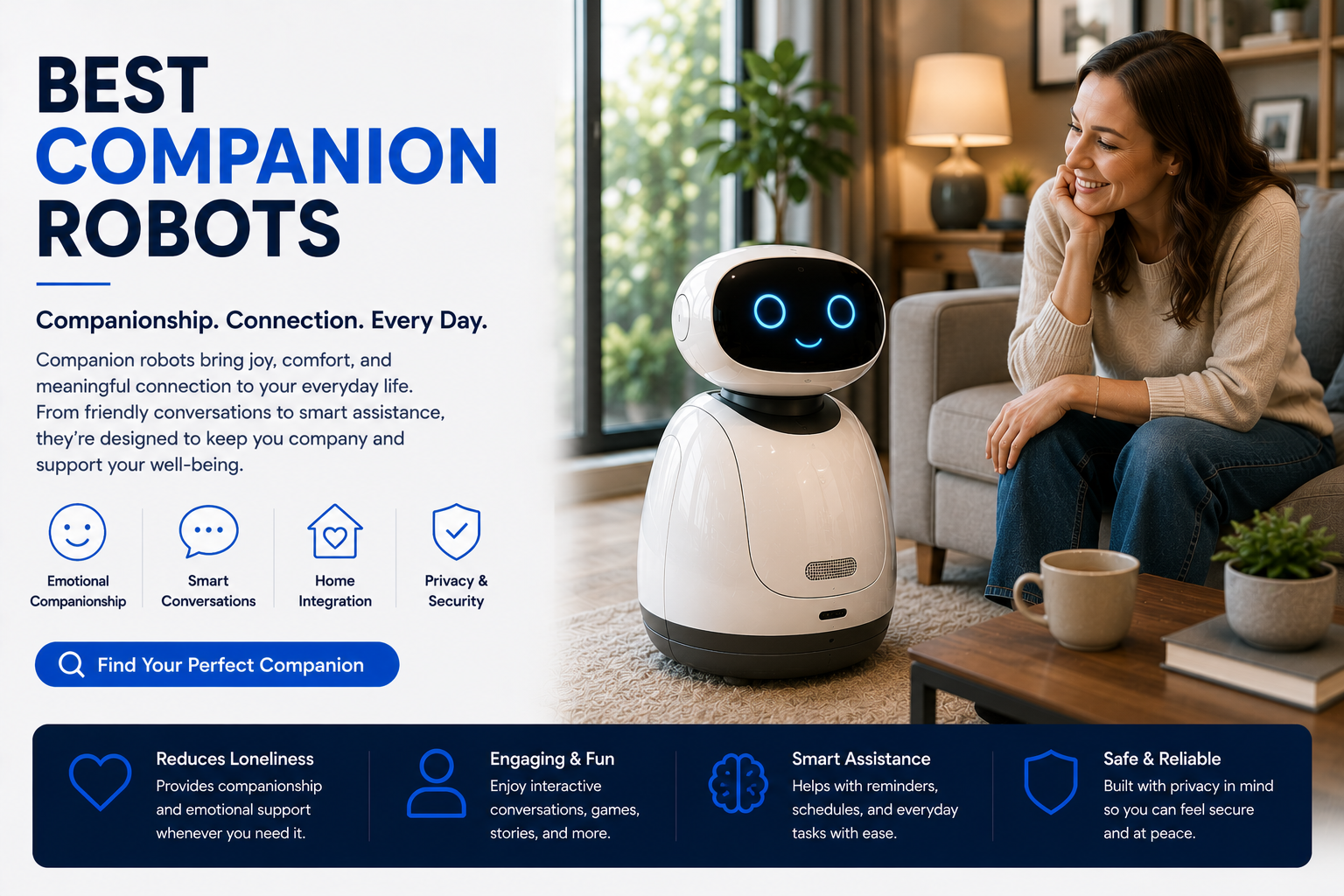
The best companion robot is the one that matches the user’s real need. Seniors usually need simple reminders, easy communication, and friendly interaction. Families may want entertainment, routines, and smart home help. Kids need safe, simple, age-appropriate interaction. Avoid buying only for novelty; choose a companion robot that will be useful every day.
Best Companion Robots at a Glance
Best Companion Robots Comparison Table
| Companion Robot Type | Best For | Main Features | Best Buyer |
|---|---|---|---|
| Senior Companion Robot | Older adults and people living alone | Reminders, conversation, calls, routines, caregiver support | Seniors and caregivers |
| Family Companion Robot | Household interaction | Entertainment, reminders, smart home control, video calls | Families and smart homes |
| AI Companion Robot | Conversation and engagement | AI chat, personality, learning features, daily prompts | Tech-forward users |
| Pet-Style Companion Robot | Comfort and emotional presence | Responsive movement, sounds, routines, gentle interaction | Seniors, kids, and comfort-focused buyers |
| Smart Display Companion | Budget companionship | Video calls, reminders, screen prompts, voice assistant | Budget buyers and beginners |
What Is a Companion Robot?
A companion robot is a robot or smart assistant designed to feel more personal than a standard device. Instead of focusing only on cleaning or security, companion robots focus on interaction: conversation, reminders, entertainment, emotional engagement, family communication, and daily presence.
Some companion robots look like small home robots. Others are pet-style robots, screen-based assistants, or AI-powered social devices. The best option depends on whether the user needs companionship, routine support, caregiver connection, entertainment, or light smart home help.
- Can provide reminders and daily prompts.
- May support conversation and social interaction.
- Can help seniors feel more connected.
- May offer video calls and family communication.
- Can support routines, entertainment, and smart home controls.
For related guides, see Companion Robot vs Smart Speaker and Best Companion Robots for Seniors.
What Companion Robots Do Best
Provide social interaction, simple responses, entertainment, and daily engagement.
Help with medication prompts, appointments, chores, hydration, meals, and routines.
Support video calls, family check-ins, and easier communication for seniors or families.
Feel more personal than a smart speaker because they are designed for interaction.
Best Overall Companion Robot
The best overall companion robot should be friendly, simple, useful, and easy to interact with every day. Look for a balance of reminders, conversation, entertainment, app support, video calling, privacy controls, and clear setup.
For most people, the best companion robot is not the one with the most futuristic features. It is the one that the user will actually enjoy using and understand without frustration.
- Easy daily interaction.
- Helpful reminders and routine prompts.
- Clear voice or screen feedback.
- Family communication or video calling when needed.
- Strong privacy controls.
- Low-friction setup and reliable app support.
Best Companion Robot for Seniors
Seniors often benefit most from companion robots when the robot is simple, friendly, and practical. Useful features include reminders, conversation, easy family calls, caregiver support, and gentle routine prompts.
A companion robot should not replace human contact, but it can help fill small daily gaps by making reminders, check-ins, and simple interaction easier.
- Medication and appointment reminders.
- Easy video calls or family check-ins.
- Simple conversation and entertainment.
- Caregiver-friendly app access when available.
- Clear audio and readable screen prompts.
- Privacy settings the senior understands.
Full guide: Best Companion Robots for Seniors.
Best Companion Robot for Families
Families should look for companion robots that help with routines, entertainment, communication, and smart home control. A family companion robot can be useful for reminders, fun interaction, check-ins, and helping kids or adults stay organized.
- Family reminders and daily routines.
- Interactive entertainment and conversation.
- Video calls and household communication.
- Smart home control when compatible.
- Kid-safe settings and parental controls when needed.
- Durable design and easy setup.
Best Companion Robot for Kids
For kids, a companion robot should be safe, age-appropriate, easy to use, and limited enough that parents stay in control. Look for parental controls, privacy settings, durable design, educational features, and clear boundaries around camera, microphone, and app access.
- Age-appropriate interaction.
- Parental controls and app limits.
- Educational games or learning prompts.
- Durable and simple design.
- Clear camera and microphone settings.
- No confusing subscription requirements.
Best Companion Robot by Use Case
| Use Case | Best Robot Type | Why |
|---|---|---|
| Senior living alone | Senior companion robot | Supports reminders, conversation, check-ins, and routine prompts. |
| Family entertainment | Family companion robot | Adds interaction, games, reminders, and communication. |
| Emotional support | Pet-style companion robot | Offers gentle presence without complex controls. |
| AI conversation | AI companion robot | Better for users who want chat, personality, and engagement. |
| Caregiver support | Senior assistant companion | Helpful for reminders, calls, and remote check-ins. |
| Budget setup | Smart display assistant | Lower-cost way to get calls, reminders, and light companionship. |
Companion Robot vs Smart Speaker
A smart speaker can answer questions, play music, set timers, and control smart home devices. A companion robot is designed to feel more interactive, personal, and socially present.
| Feature | Smart Speaker | Companion Robot |
|---|---|---|
| Voice commands | Excellent | Good to excellent |
| Conversation feel | Basic | Usually better |
| Emotional presence | Low | Medium to high |
| Video calls | No or limited | Often available depending on model |
| Movement or expression | No | Often yes |
| Price | Usually lower | Usually higher |
Full comparison: Companion Robot vs Smart Speaker.
Companion Robot vs Home Assistant Robot
Companion robots focus more on social interaction, emotional support, conversation, and daily engagement. Home assistant robots focus more on practical help such as reminders, smart home control, video calls, room monitoring, and routines.
Some robots overlap. If you want practical home help, start with a home assistant robot. If you want social presence and interaction, start with a companion robot.
Choose a companion robot for interaction and social presence.
Choose a home assistant robot for routines, calls, reminders, and smart home help.
Features to Compare Before Buying
| Feature | Why It Matters | Priority |
|---|---|---|
| Conversation quality | Determines how useful the robot feels as a companion. | High |
| Reminders | Useful for seniors, families, routines, and daily structure. | High |
| Video calling | Important for family connection and caregiver check-ins. | Medium to high |
| Privacy controls | Cameras and microphones need clear controls. | High |
| Ease of use | The robot must be simple enough for the main user. | High |
| Subscriptions | Monthly fees can change the real cost. | High |
| Smart home support | Useful if the robot also controls lights, plugs, and routines. | Medium |
| Durability | Important for kids, pets, and busy homes. | Medium |
Are Companion Robots Worth It?
Companion robots are worth it when they provide real daily value: conversation, reminders, comfort, entertainment, family connection, or routine support. They are not worth it if you only want music, timers, weather, or simple voice commands.
- Worth it for seniors who want reminders and interaction.
- Worth it for families who will use routines and entertainment.
- Worth it for users who want emotional presence or social support.
- Not worth it if a smart speaker already solves the need.
- Not worth it if privacy concerns outweigh the benefits.
Related guide: Are Companion Robots Worth It?.
Privacy Questions Before Buying
Companion robots may include microphones, cameras, apps, cloud accounts, AI conversation features, and stored preferences. Before buying, make sure the user understands what the robot can hear, see, store, and share.
- Can the microphone be muted?
- Can the camera be disabled or covered?
- Who can access the companion robot app?
- Does the robot store conversations?
- Are there parental or caregiver controls?
- Does the robot require cloud access?
- Can subscriptions be canceled easily?
Who Should Buy a Companion Robot?
A companion robot can make sense for seniors, people living alone, families, kids, caregivers, or tech users who want a more interactive device than a smart speaker. The key is choosing a robot that fits a real need.
- Seniors who want reminders and friendly interaction.
- Families who want entertainment and routine support.
- Caregivers who want easier check-ins and prompts.
- Kids who can benefit from safe educational interaction.
- People who want a more social smart home device.
- Robot enthusiasts who enjoy AI home technology.
Who Should Avoid a Companion Robot?
A companion robot is not right for everyone. If the user does not want interaction, dislikes cameras, avoids apps, or only needs simple voice commands, a cheaper smart speaker or smart display may be a better choice.
- People who only need music, timers, and weather.
- Users uncomfortable with cameras or microphones.
- Homes with unreliable Wi-Fi.
- Buyers who do not want subscriptions.
- Users who prefer human-only companionship.
- People who need medical support instead of social interaction.
Common Mistakes When Buying Companion Robots
- Buying because the robot looks cute or futuristic instead of useful.
- Ignoring whether the main user actually wants a robot.
- Choosing AI conversation without checking privacy settings.
- Buying a companion robot when a smart display would be enough.
- Ignoring subscription costs or app requirements.
- Expecting a robot to replace human contact.
- Buying for a senior without checking ease of use.
- Buying for a child without checking parental controls.
Companion Robot Pros and Cons
Can provide interaction, reminders, entertainment, comfort, and family connection.
May help with routine prompts, conversation, and easier check-ins.
Can be expensive, limited, subscription-based, or privacy-sensitive.
Buy for daily usefulness, not novelty or appearance alone.
Final Verdict: What Is the Best Companion Robot?
The best companion robot depends on the user. Seniors should prioritize reminders, simple interaction, family calls, and caregiver support. Families should prioritize entertainment, routines, smart home help, and privacy controls. Kids need age-appropriate interaction, parental controls, and safe setup.
A companion robot is worth considering if it provides real daily value through conversation, reminders, emotional presence, or connection. If you only need simple voice commands, start with a smart speaker or smart display instead.
Shop Companion RobotsRelated Companion Robot Guides
Best Companion Robots FAQ
What is the best companion robot?
The best companion robot depends on the user. Seniors should look for reminders, easy interaction, family calls, and caregiver support. Families may want entertainment, routines, and smart home features.
Are companion robots good for seniors?
Yes. Companion robots can be useful for seniors when they provide reminders, simple conversation, entertainment, video calls, and family check-ins.
Can companion robots replace human companionship?
No. Companion robots can support interaction and routine, but they should not replace human contact, family connection, or professional care when needed.
Are companion robots worth it?
They are worth it if they provide real daily value through reminders, conversation, emotional presence, entertainment, or family communication.
What features matter most in a companion robot?
The most important features are ease of use, conversation quality, reminders, privacy controls, app support, video calls, and long-term reliability.
Are companion robots safe for kids?
Some companion robots can be appropriate for kids, but parents should check age ratings, parental controls, privacy settings, camera access, and app permissions.
Do companion robots require Wi-Fi?
Many companion robots require Wi-Fi for app features, updates, video calls, AI conversation, and cloud services.
Do companion robots have cameras?
Some companion robots have cameras, while others do not. Check camera controls, privacy options, and app access before buying.
What is the difference between a companion robot and a home assistant robot?
A companion robot focuses more on interaction, conversation, and emotional presence. A home assistant robot focuses more on practical help like reminders, smart home control, video calls, and monitoring.
Should I buy a companion robot or smart speaker?
Buy a smart speaker for simple voice commands and low cost. Buy a companion robot if you want more interaction, personality, reminders, emotional presence, or family connection.
We may earn a commission from qualifying purchases at no extra cost to you.