
Home Assistant Robot Buying Guide
Buying a home assistant robot is different from buying a smart speaker or smart display. The best choice depends on what you actually need: reminders, video calls, smart home control, senior support, room monitoring, companionship, or a more interactive AI helper for daily routines.
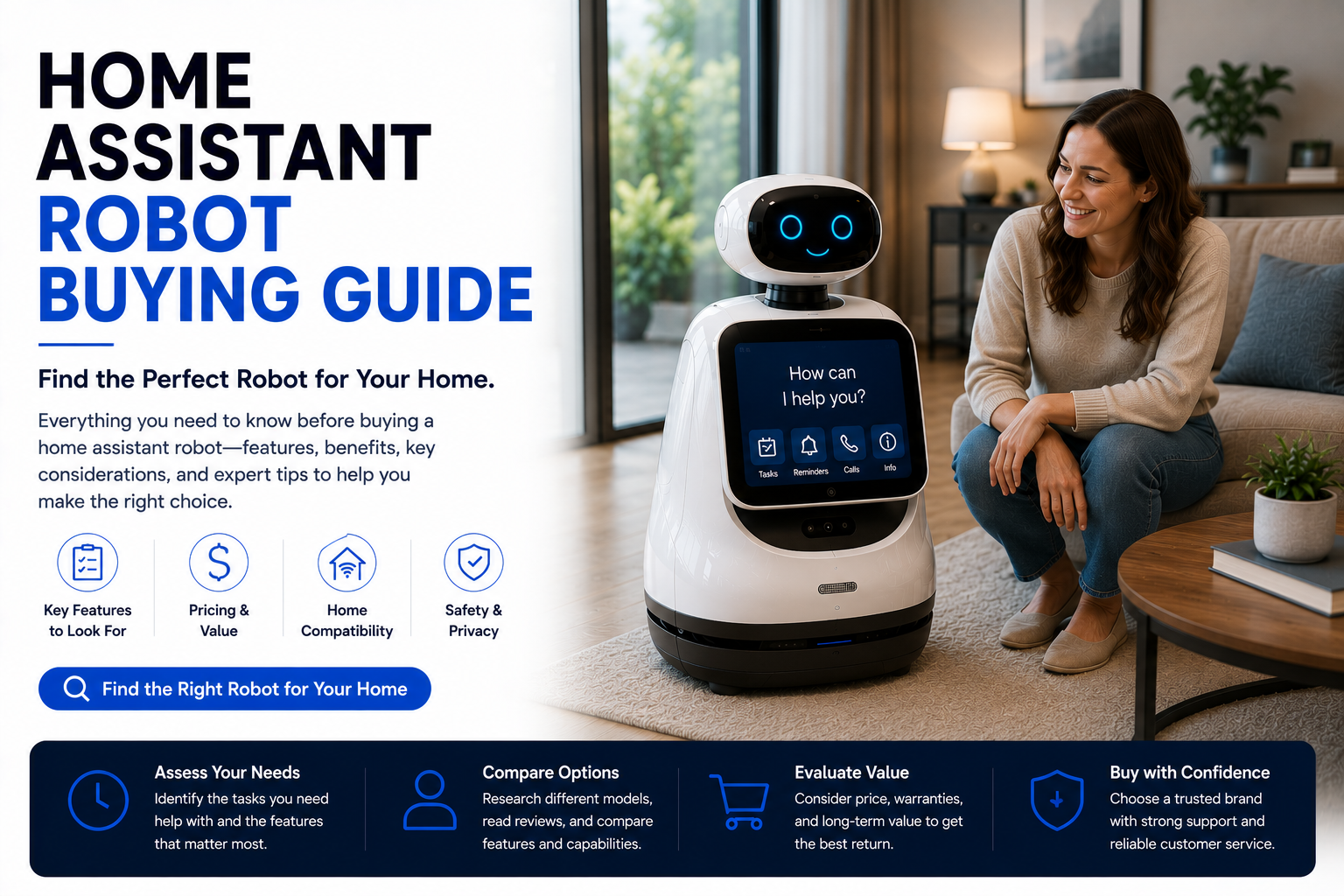
Choose a home assistant robot by starting with the main job it must do. For seniors, prioritize reminders, easy video calls, caregiver support, and simple controls. For families, prioritize routines, smart home control, room checks, and communication. For smart homes, prioritize compatibility, privacy settings, app quality, and daily usefulness.
Home Assistant Robot Buying Guide at a Glance
Home Assistant Robot Buying Checklist
| Buying Factor | What to Check | Why It Matters |
|---|---|---|
| Main Use | Reminders, calls, smart home control, monitoring, senior support, companionship | Prevents buying a robot that does not solve a real problem. |
| Ease of Use | Simple app, clear screen, good speaker, easy voice commands | The robot must be usable every day. |
| Smart Home Compatibility | Lights, plugs, locks, cameras, thermostats, voice assistant platform | A robot is more valuable when it works with your existing devices. |
| Privacy Controls | Camera shutoff, microphone mute, app permissions, account security | Robots often include cameras and microphones. |
| Caregiver Features | Remote check-ins, reminder setup, family access, video calls | Very important for seniors living alone. |
| Ongoing Costs | Subscriptions, cloud storage, premium features, replacement parts | Monthly fees can change the real cost. |
What Is a Home Assistant Robot?
A home assistant robot is a smart home device designed to help with everyday routines. Depending on the model, it may offer voice control, a screen, cameras, reminders, video calls, sensors, navigation, smart home control, app access, and home monitoring.
Some home assistant robots move around the house. Others stay in one place but still function as interactive assistants. The key difference from a basic smart speaker is that a robot usually adds more presence, visual interaction, camera features, mobility, or caregiver-style support.
- Can help with reminders and routines.
- May support video calls and family communication.
- Can control smart home devices if compatible.
- May include cameras for room checks or monitoring.
- Can be useful for seniors, families, caregivers, and smart homes.
Start here: Best Home Assistant Robots and Are Home Assistant Robots Worth It?.
What to Prioritize Before Buying
Choose a robot that will be used every day, not just during the first week.
The app, account, Wi-Fi, and controls should be easy to manage.
Camera and microphone settings should be clear before the robot enters the home.
Make sure the robot works with the smart devices and phones you already use.
Step 1: Decide What You Need the Robot to Do
The first mistake many buyers make is shopping by appearance. A home assistant robot should be chosen by use case. A robot for seniors is different from a robot for smart home control, family communication, security monitoring, or companionship.
| Main Need | Best Robot Type | Features to Prioritize |
|---|---|---|
| Senior support | Senior-friendly assistant robot | Reminders, video calls, caregiver access, simple controls |
| Family organization | Screen-based assistant robot | Routines, reminders, calls, room checks, app control |
| Smart home control | Smart home assistant robot | Device compatibility, voice assistant support, routines |
| Home monitoring | Camera-enabled assistant robot | Room checks, alerts, app viewing, privacy controls |
| Companionship | Companion robot | Conversation, entertainment, social interaction, reminders |
| Budget help | Smart display or simple assistant | Video calls, reminders, voice commands, lower price |
Step 2: Compare Ease of Use
A home assistant robot is only worth buying if the main user can actually use it. For seniors, kids, and less tech-savvy family members, simplicity matters more than advanced AI features.
- Clear screen and readable text.
- Simple voice commands.
- Easy video calling.
- Simple app setup for family members.
- Good speaker volume and microphone quality.
- Few confusing menus or unnecessary features.
- Reliable notifications and reminders.
Step 3: Check Smart Home Compatibility
If you want a home assistant robot for smart home control, compatibility is critical. A robot that does not work well with your lights, plugs, thermostat, cameras, locks, or routines may become an expensive gadget instead of a useful assistant.
- Check compatibility with your smart home platform.
- Confirm it works with your phone and app ecosystem.
- Check whether it supports lights, plugs, cameras, and thermostats.
- Look for voice assistant support if needed.
- Confirm whether routines can be created easily.
- Check if some features require subscriptions.
Related guide: Home Assistant Robot vs Smart Speaker.
Important Features to Compare
| Feature | Why It Matters | Priority |
|---|---|---|
| Video calling | Useful for families, seniors, and caregivers. | High |
| Reminders | Helps with medication, appointments, chores, hydration, and routines. | High |
| Smart home control | Controls connected devices and routines. | Medium to high |
| Mobility | Useful for room checks and a more active home presence. | Medium |
| Camera monitoring | Useful for check-ins, security, pets, and room awareness. | Medium to high |
| AI conversation | Helpful for engagement, but not always essential. | Medium |
| Privacy controls | Important because robots may include cameras and microphones. | High |
| Subscription needs | Affects long-term cost. | High |
Best Home Assistant Robot for Seniors
For seniors, the best home assistant robot should be simple and practical. Look for medication reminders, appointment reminders, easy video calls, caregiver app access, large visual prompts, clear audio, and privacy controls.
Avoid choosing a robot that is too complicated. A senior-friendly robot should make daily life easier without requiring constant troubleshooting.
- Simple reminders and routine prompts.
- Easy family video calls.
- Clear speaker and readable screen.
- Caregiver support and remote setup.
- Camera controls and microphone mute options.
- Reliable Wi-Fi connection.
Full guide: Best Home Assistant Robots for Seniors.
Best Home Assistant Robot for Families
For families, a home assistant robot should help with organization and communication. Useful features include family reminders, room checks, video calls, smart home routines, app control, and simple interaction for kids and adults.
- Family reminders and shared routines.
- Video calls and check-ins.
- Smart home controls for lights, plugs, cameras, and thermostats.
- Room checks or camera monitoring when needed.
- Simple enough for everyone to use.
Home Assistant Robot vs Smart Display
A smart display may be enough if you mainly want video calls, reminders, voice commands, timers, and a smart home dashboard. A home assistant robot becomes more useful when you need mobility, room checks, stronger presence, caregiver features, or more interactive support.
| Need | Smart Display | Home Assistant Robot |
|---|---|---|
| Basic video calls | Good | Good to excellent |
| Reminders | Good | Good to excellent |
| Mobility | No | Some models yes |
| Room checks | Limited | Better |
| Price | Lower | Higher |
| Best For | Simple needs | Advanced daily support |
Home Assistant Robot vs Smart Speaker
A smart speaker is usually cheaper and better for basic voice commands, music, weather, timers, and simple device control. A home assistant robot is better if you want a screen, camera, video calls, movement, room monitoring, or stronger senior support.
Choose a smart speaker for basic voice control.
Choose a smart display for screen-based calls and reminders.
Choose a home assistant robot for interaction, monitoring, mobility, and advanced daily support.
Privacy and Security Checklist
Check whether the camera can be disabled, covered, or controlled in the app.
Look for mute controls and clear voice recording settings.
Review who can log in, view cameras, change settings, or manage reminders.
Choose devices with regular software updates and strong account security.
Questions to Ask Before Buying
- What daily problem will this robot solve?
- Can a cheaper smart speaker or smart display do the same job?
- Who will use the robot every day?
- Is the robot simple enough for that person?
- Does it work with my smart home devices?
- Does it require a subscription?
- Can the camera and microphone be controlled easily?
- Does the home have strong enough Wi-Fi?
- Can family members help manage it remotely?
- What happens if the company stops supporting the app?
Hidden Costs to Watch For
The price of the robot is not always the final cost. Some home assistant robots may require subscriptions, cloud storage, premium AI features, accessories, replacement parts, or paid monitoring features.
- Monthly subscription fees.
- Cloud storage for camera recordings.
- Premium AI or assistant features.
- Replacement batteries or docks.
- Caregiver monitoring features.
- Warranty extensions.
- Accessories or replacement parts.
Buying Decision Table
| Your Situation | Best Choice | Why |
|---|---|---|
| You only need music, timers, and voice commands | Smart speaker | Cheaper and simpler. |
| You need video calls and reminders | Smart display or assistant robot | A screen makes communication easier. |
| You need senior check-ins and caregiver support | Home assistant robot | Better for routines, calls, and remote support. |
| You need room checks or camera monitoring | Camera-enabled robot | More useful than a basic speaker. |
| You mainly want companionship | Companion robot | Designed for interaction and social engagement. |
| You are unsure | Start with smart display | Lower-cost way to test reminders and calls. |
Common Mistakes When Buying a Home Assistant Robot
- Buying for novelty instead of daily usefulness.
- Ignoring whether a cheaper smart display would be enough.
- Choosing advanced features over ease of use.
- Buying for a senior without confirming they want the device.
- Forgetting to check subscriptions and app requirements.
- Ignoring camera and microphone privacy controls.
- Assuming the robot will replace a medical alert system.
- Buying before checking smart home compatibility.
Final Verdict: How Should You Choose a Home Assistant Robot?
The best home assistant robot is the one that solves a real daily problem and is easy enough to use consistently. For seniors, prioritize reminders, video calls, caregiver support, and simplicity. For families, prioritize routines, room checks, communication, and smart home control. For smart homes, prioritize compatibility and privacy settings.
Do not buy the most futuristic robot just because it looks impressive. Buy the robot that fits your household, works with your devices, protects your privacy, and helps with something that matters every day.
Shop Home Assistant RobotsRelated Home Assistant Robot Guides
Home Assistant Robot Buying Guide FAQ
What should I look for in a home assistant robot?
Look for ease of use, reminders, video calls, smart home compatibility, privacy controls, app quality, reliable Wi-Fi support, and features that solve a real daily need.
Are home assistant robots worth buying?
They are worth buying if they help with daily reminders, video calls, smart home control, senior support, room checks, or caregiver communication.
Should I buy a smart speaker or home assistant robot?
Buy a smart speaker for basic voice commands and lower cost. Buy a home assistant robot if you need a screen, camera, mobility, video calls, or more interactive support.
What is the best home assistant robot for seniors?
The best home assistant robot for seniors is simple to use and supports reminders, video calls, caregiver access, clear audio, readable prompts, and strong privacy settings.
Do home assistant robots require subscriptions?
Some do. Check whether the robot requires subscriptions for cloud storage, premium AI features, monitoring, caregiver tools, or advanced app access.
Can a home assistant robot control smart home devices?
Many can, but compatibility depends on the robot, app, smart home platform, and connected devices.
Are home assistant robots private?
Privacy depends on the device. Look for camera shutoff, microphone mute controls, app permissions, account security, and clear privacy settings.
Can a home assistant robot replace a medical alert system?
No. A home assistant robot should not replace a dedicated medical alert system if emergency response support is needed.
What is the biggest buying mistake?
The biggest mistake is buying a robot because it looks futuristic instead of buying one that solves a real daily problem.
Should I start with a smart display first?
If you are unsure, a smart display may be a lower-cost way to test reminders, video calls, and voice control before buying a full home assistant robot.
We may earn a commission from qualifying purchases at no extra cost to you.